Edge™ 10 Datasheet
IRIS+™ Edge™ 10 datasheet
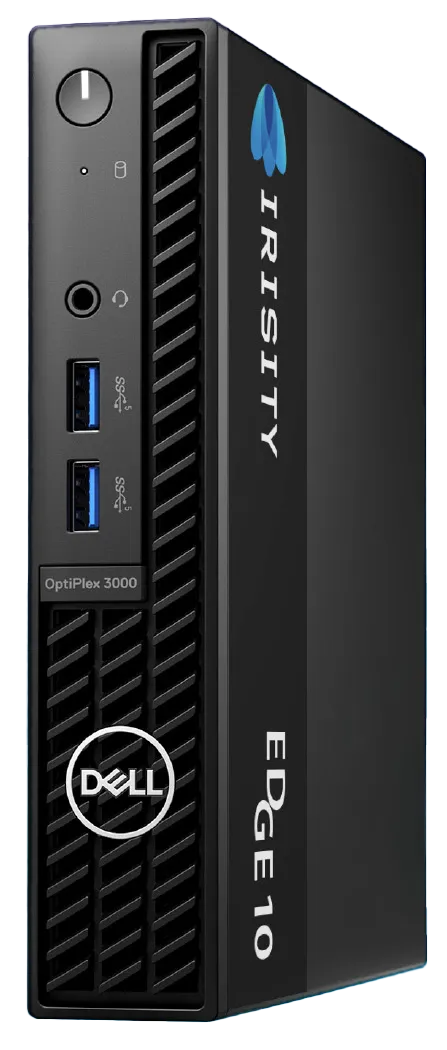
IRIS+™ Edge™ 10 is a compact appliance with pre-loaded Irisity software, that connects ONVIF / RTSP fixed IP cameras from the camera’s network to IRIS+ video analytics solution.
Number of supported cameras
The number of cameras supported depends on the following factors:
- Video Streaming Profile
- H.264 @ 720P @ 8 FPS
- H.264 @ 1080P @ 15 FPS
- H.264 @ 1080P @ 30 FPS
- H.265 @ 720P @ 8 FPS
- H.265 @ 1080P @ 15 FPS
- H.265 @ 1080P @ 30 FPS
If you use any other streaming profile, set a secondary streaming profile with one of the abovementioned options
- Scene Activity Level
- Low
- Medium
- High
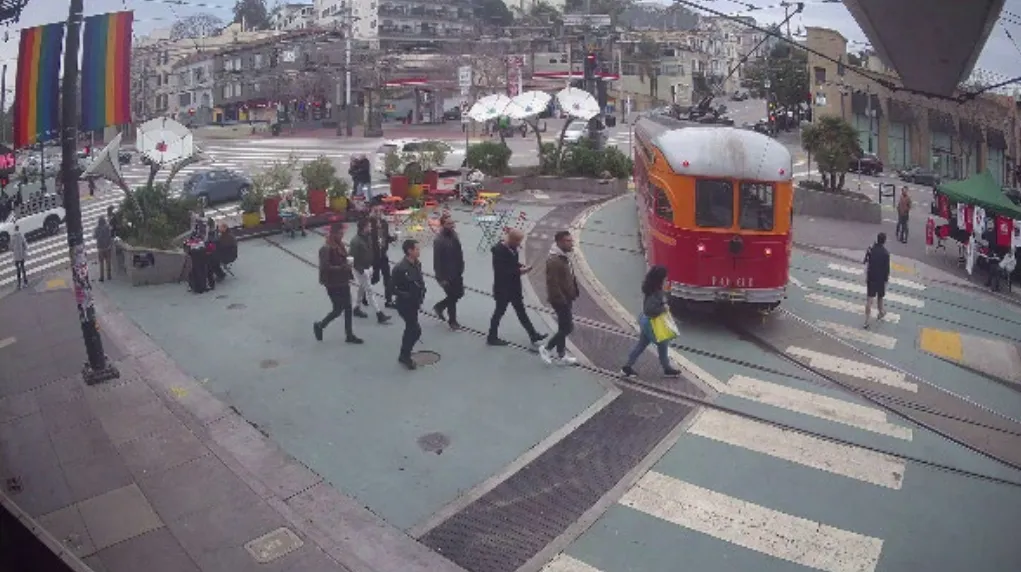
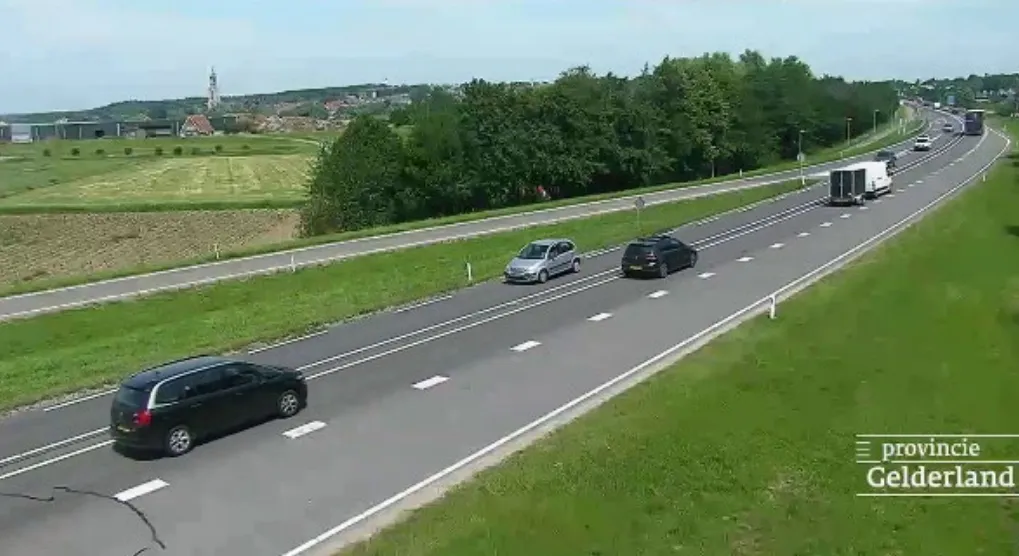
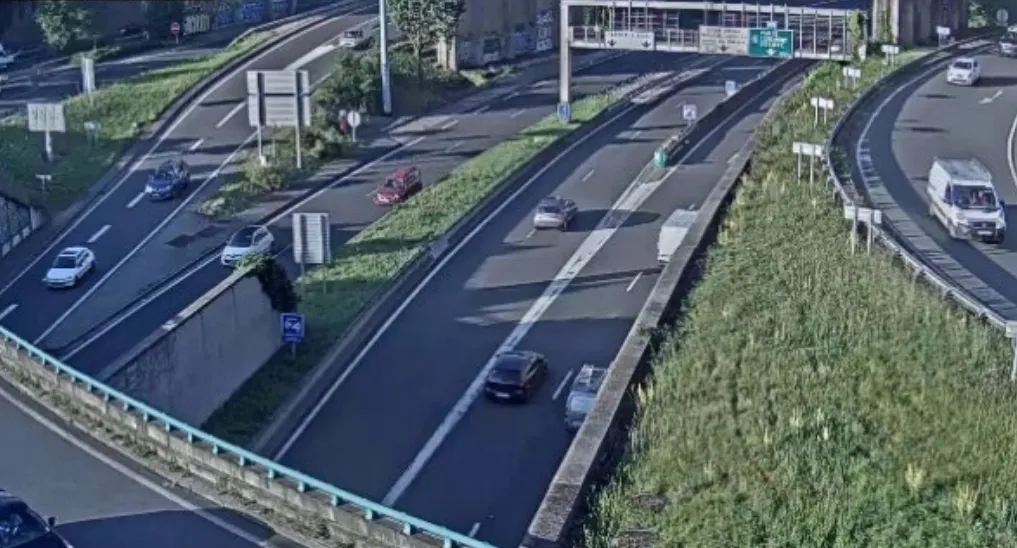
See Appendix A for scene activity-level examples
Edge 10 - Gen 2 (boxes are marked with “Gen 2” sticker)
Number of supported cameras | | | | | | |
|---|---|---|---|---|---|---|
Compression | H.264 | | | H.265 | | |
Video Streaming Profile | 720P / 8 FPS | 1080P / 15 FPS | 1080P / 30 FPS | 720P / 8 FPS | 1080P / 15 FPS | 1080P / 30 FPS |
Scene Activity Level - Low | 21 | 12 | 11 | 10 | 8 | 10 |
Scene Activity Level - Medium | 16 | 9 | 8 | 14 | 8 | 6 |
Scene Activity Level - High | 13 | 8 | 7 | 12 | 6 | 5 |
Edge 10 - Gen 1
Number of supported cameras | | | | | | |
|---|---|---|---|---|---|---|
Compression | H.264 | | | H.265 | | |
Video Streaming Profile | 720P / 8 FPS | 1080P / 15 FPS | 1080P / 30 FPS | 720P / 8 FPS | 1080P / 15 FPS | 1080P / 30 FPS |
Scene Activity Level - Low | 16 | 8 | 7 | 14 | 7 | 6 |
Scene Activity Level - Medium | 13 | 7 | 6 | 12 | 6 | 5 |
Scene Activity Level - High | 11 | 6 | 5 | 10 | 5 | 4 |
Edge 10 - Gen 1 with Perimeter Security
Additionally, Perimeter Security additional hardware specifications that may differ between the standard motion detection rule.
Moving in an Area with CCD Camera
Activity | 720p / 8fps / h264 | 720p / 8fps / h265 | 1080p / 8fps / h264 | 1080p / maxfps / h264 |
|---|---|---|---|---|
low | 20 | 20 | 9 | 4 |
high | 10 | 10 | 6 | 5 |
Perimeter rule with CCD Camera
Activity | 720p / 8fps / h264 | 720p / 8fps / h265 | 1080p / 8fps / h264 | 1080p / maxfps / h264 |
|---|---|---|---|---|
low | 24 | 23 | 12 | 6 |
high | 21 | 21 | 12 | 10 |
Perimeter security analytics usage in particular will always rescale to 640 pixels long side regardless of input resolution.
Bandwidth Considerations
Minimum required bandwidth per channel:
- 5 kbps upload
- 0.5 kbps download
Recommended upload bandwidth:
- Real-Time Event Detections: ~500 KB per event
- Live View in IRIS+ GUI: ~300 Kbps per camera
Maximum allowed latency from the IRIS+ Edge to the cloud: 2 seconds
Supported camera characteristics
- Resolution: up to 4K
- Frame Rate: 8 FPS is the minimal supported frame rate
- Video stream width should be divisible by 4
- The current maximum allowed aspect ratio is 4:1
Network considerations
- Cameras connected to IRIS+ Edge must have static IP addresses (dynamic IP allocation may result in service discontinuity)
- The camera network must allow outgoing HTTPS traffic through port 443
Hardware
Hardware | |
|---|---|
Edge 10 Gen 2 Processor | Intel Core i3-13100T (12th Gen) |
Edge 10 Gen 1 Processor | Intel Core i3-12100T (12th Gen) |
RAM for Gen 2 | 8GB |
RAM for Gen 1 | 4GB |
Network Ports | Gigabit Ethernet |
Input Power | 100-240V |
Power Supply | 90 Watt (External), power cord included |
Dimensions & Weight | Size: 7.2 x 1.4 x 7 in / 182 x 36 x 178 mm. Weight: 2.6 lb / 1.18 kg |
Temperature | Operating temperature: 41° to 95° F (5° to 35° C) |
Security protocol
Communication between IRIS+ Edge 10 and the IRIS+ Cloud TLS 1.3
Warranty
- Warranty DELL provides the warranty.
- You may check the warranty status here: https://www.dell.com/support/home/.
- Enter the Service Tag # as appears on the sticker located on the side of the unit
Appendix A: Scene Activity Level - Examples
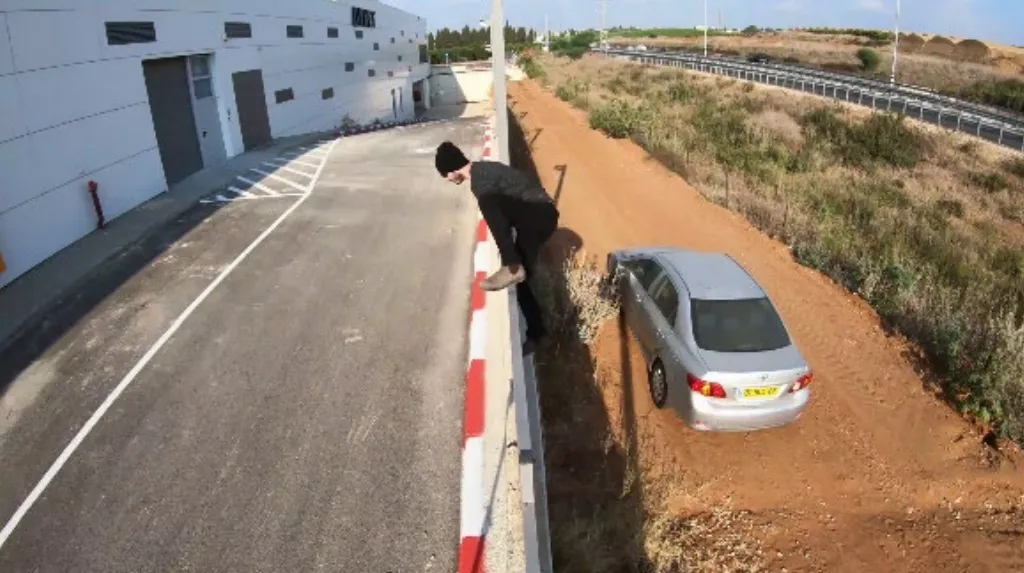
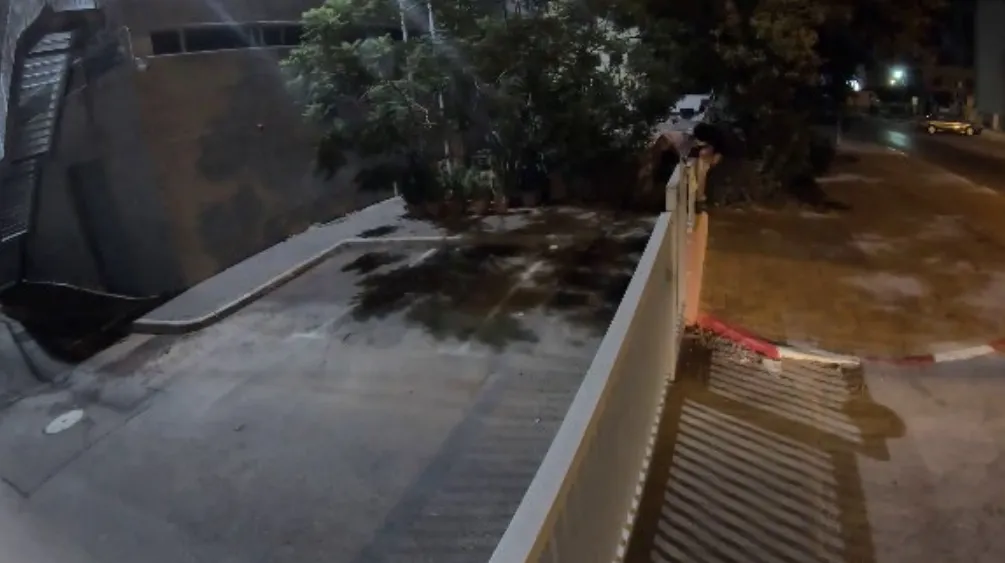
Scene activity refers to the number of objects in a frame, measured over time. Low, Medium, and High are defined in the following levels. The following screenshots and related short video clips show two examples per level:
Low
Medium
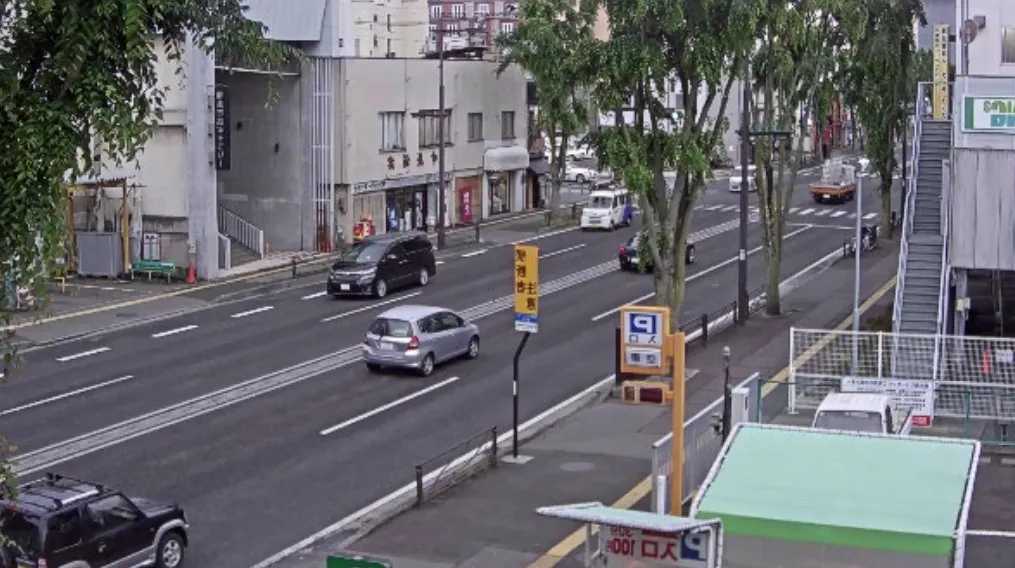
High
The tables above do not contain all features and functionalities of IRIS+ Edge, nor do they specify all design aspects that may affect or limit some of the features or functionalities. Additional information is available on Irisity.com, including IRIS+ Product Brochure and extended documentation and manuals which are available to partners only. For specific queries, please contact [email protected]
Irisity reserves the right to change the product specification at its sole discretion at any time.